PeekViewer’s servers fetch public Instagram content from Instagram’s own public endpoints (the same ones any logged-out browser uses), then deliver it to your browser. Because your Instagram account is never part of the request, no view event ever fires for your account — the anonymity is structural, not a marketing promise. Five layers: your browser → HTTPS → PeekViewer servers → Instagram public API → back to you.
⚡ Key takeaways
- Server-side fetch — your account never enters the request.
- Public endpoints only — same ones a logged-out browser hits.
- No login event = no name in the owner’s viewer list.
- Cache layer keeps recently-expired stories accessible for ~3 months.
- HTTPS-only with strong cipher (TLS 1.3) end-to-end.
“Anonymous Instagram viewer” sounds like a marketing claim, so this guide walks through exactly what PeekViewer does, step by step, from the moment you type a username to the moment a story plays in your browser. The architecture is simpler than the marketing suggests — and the reason it’s anonymous is mechanical, not magical.
First, how normal viewing exposes you
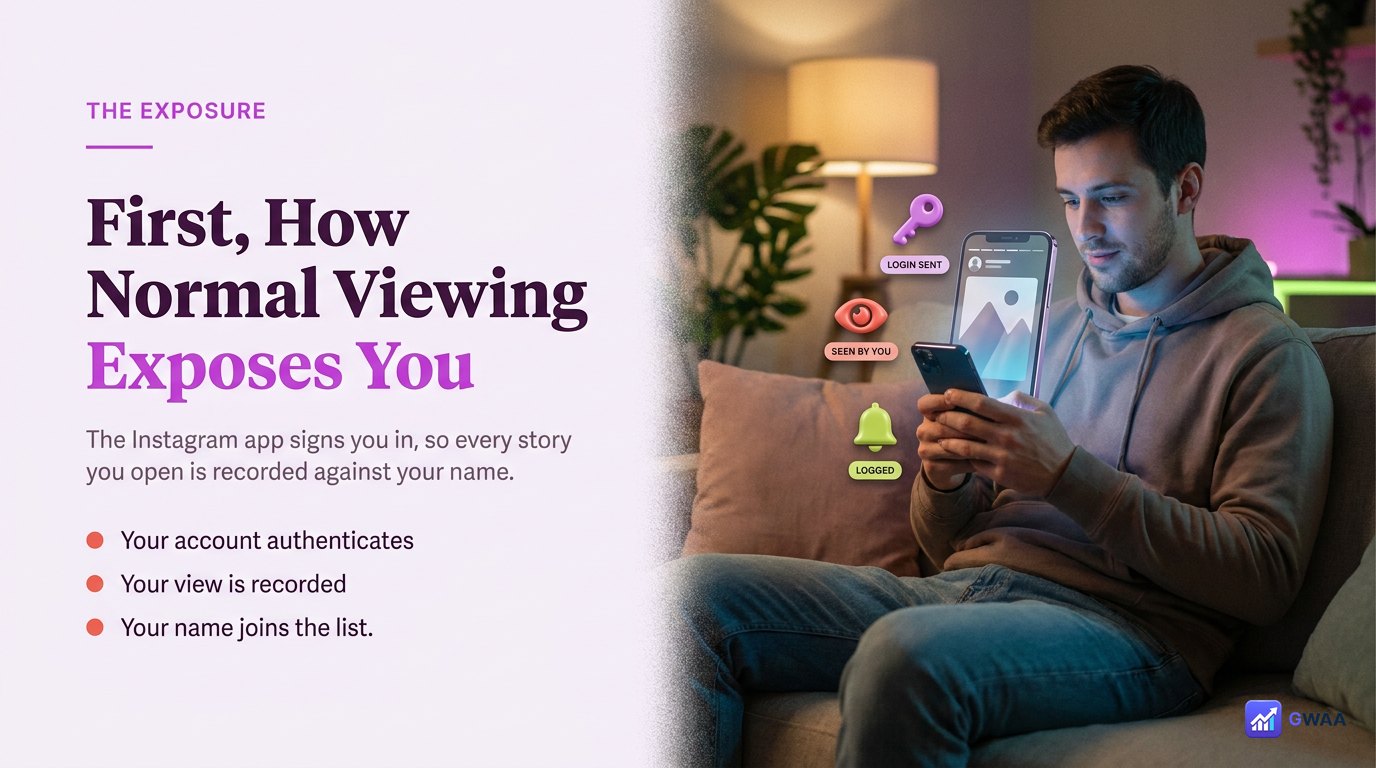
When you open a story in Instagram’s app, three things happen instantly:
- The app sends a request to Instagram’s servers authenticated as your account, identified by your session cookie and account ID.
- Instagram’s servers log that request: account X viewed story Y at timestamp Z.
- The next time the owner opens their Viewers panel, your name appears in the list.
The mechanism that gets you onto the list is the authenticated request. Take the authentication away and there’s nothing to log. That’s the entire principle PeekViewer is built on.
The “no login” principle
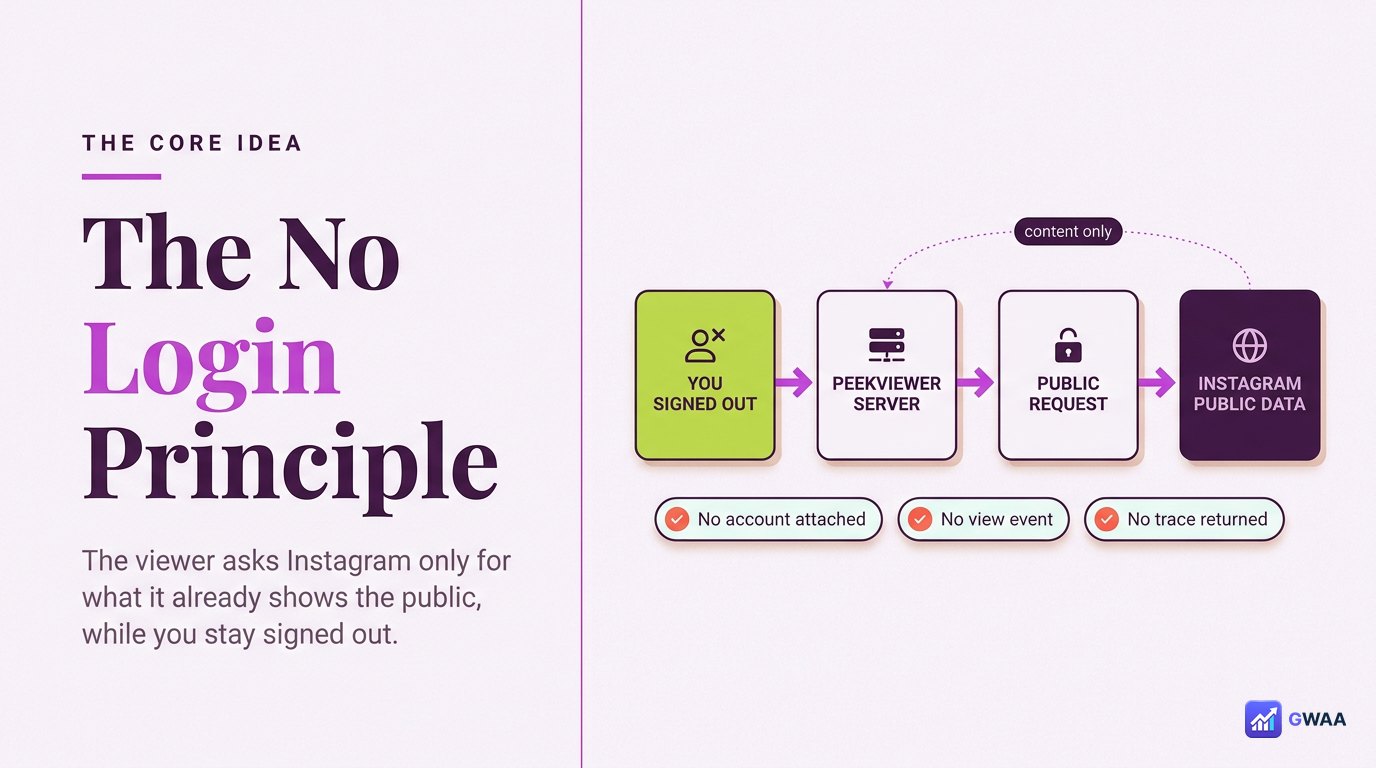
PeekViewer takes the opposite approach to the Instagram app. It deliberately makes logged-out requests to Instagram — the same kind of request your browser makes when you visit a public Instagram profile without being signed in. Three consequences:
- No session cookie. The request has no authentication token, so Instagram cannot identify any user.
- No account ID. Without authentication, no account is associated with the request.
- No view event. Instagram doesn’t log views from anonymous traffic the same way; even if it logs aggregate stats, no individual user is tied to them.
This is why we say the anonymity is “structural, not promised”. PeekViewer can’t accidentally leak you because the leak vector (your authenticated identity) doesn’t exist in the request flow.
Server-side fetching, explained simply
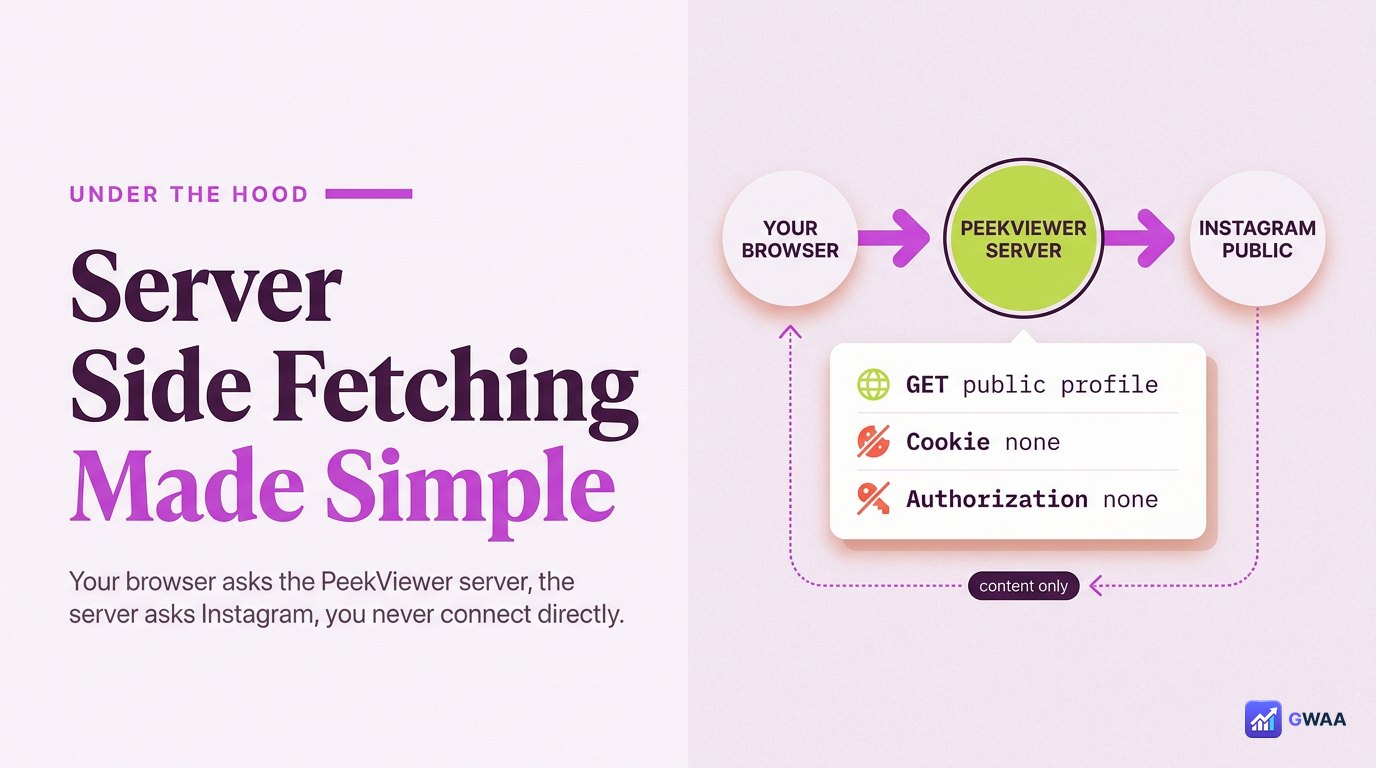
One detail is worth unpacking: your browser doesn’t talk to Instagram at all when you use PeekViewer. PeekViewer’s servers do.
Why this matters:
- Even if your browser had a logged-in Instagram cookie, it doesn’t travel with the request — it never leaves your machine because your machine never makes the request to Instagram.
- PeekViewer’s servers have no authentication to Instagram either — they hit the public endpoints, get the public response, and pass it back.
- If a request were intercepted along the way, it would carry no user identity — the request looks like any other anonymous web traffic.
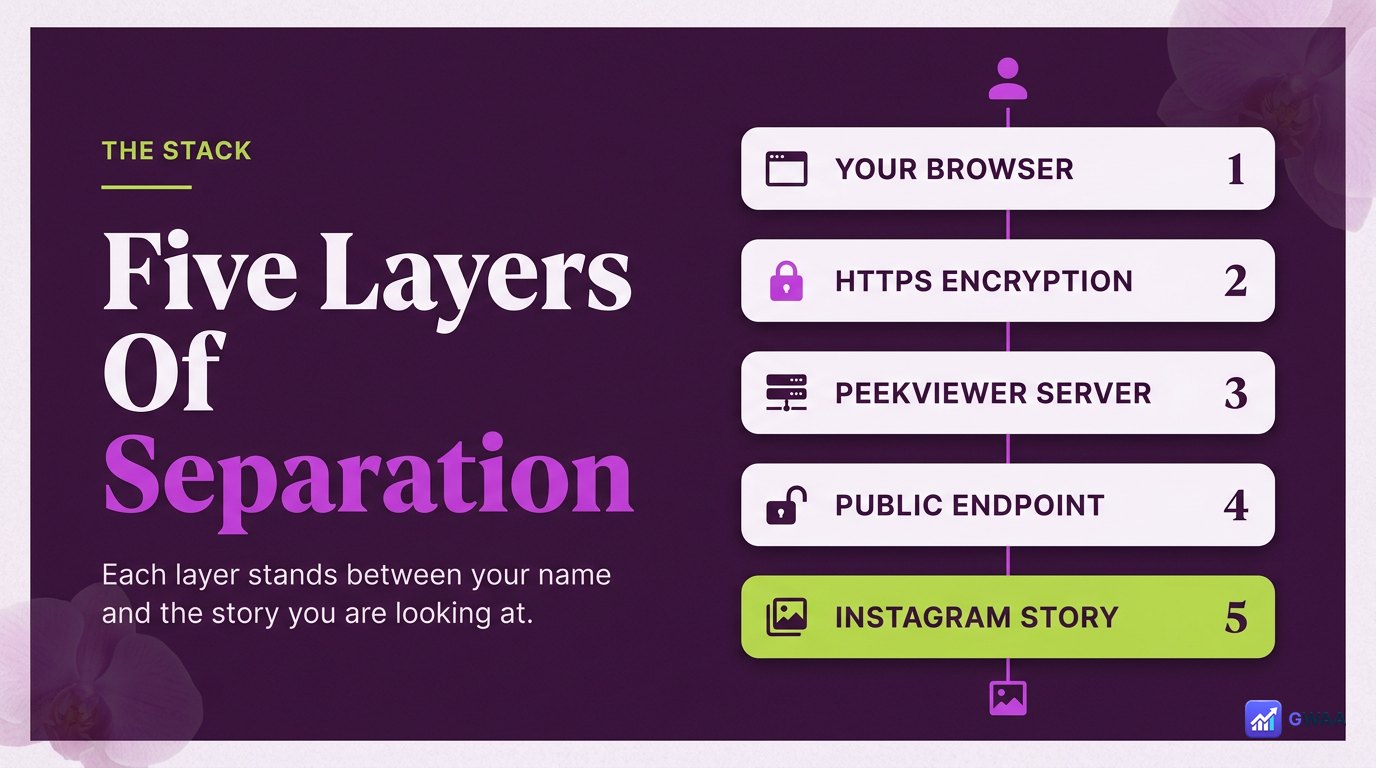
The five-layer stack from your browser to the story:
- Your browser sends the target username to peekviewer.gwaa.net.
- HTTPS encrypts that in transit (TLS 1.3 strong cipher).
- PeekViewer servers receive the username and prepare a public request.
- Instagram’s public API returns whatever public content matches that username.
- Back to your browser — PeekViewer pipes the response back through HTTPS, the content plays in your browser.
That’s it. No detour through anyone’s authenticated session; no exposure of your Instagram identity; no event log.
What the account owner sees: nothing
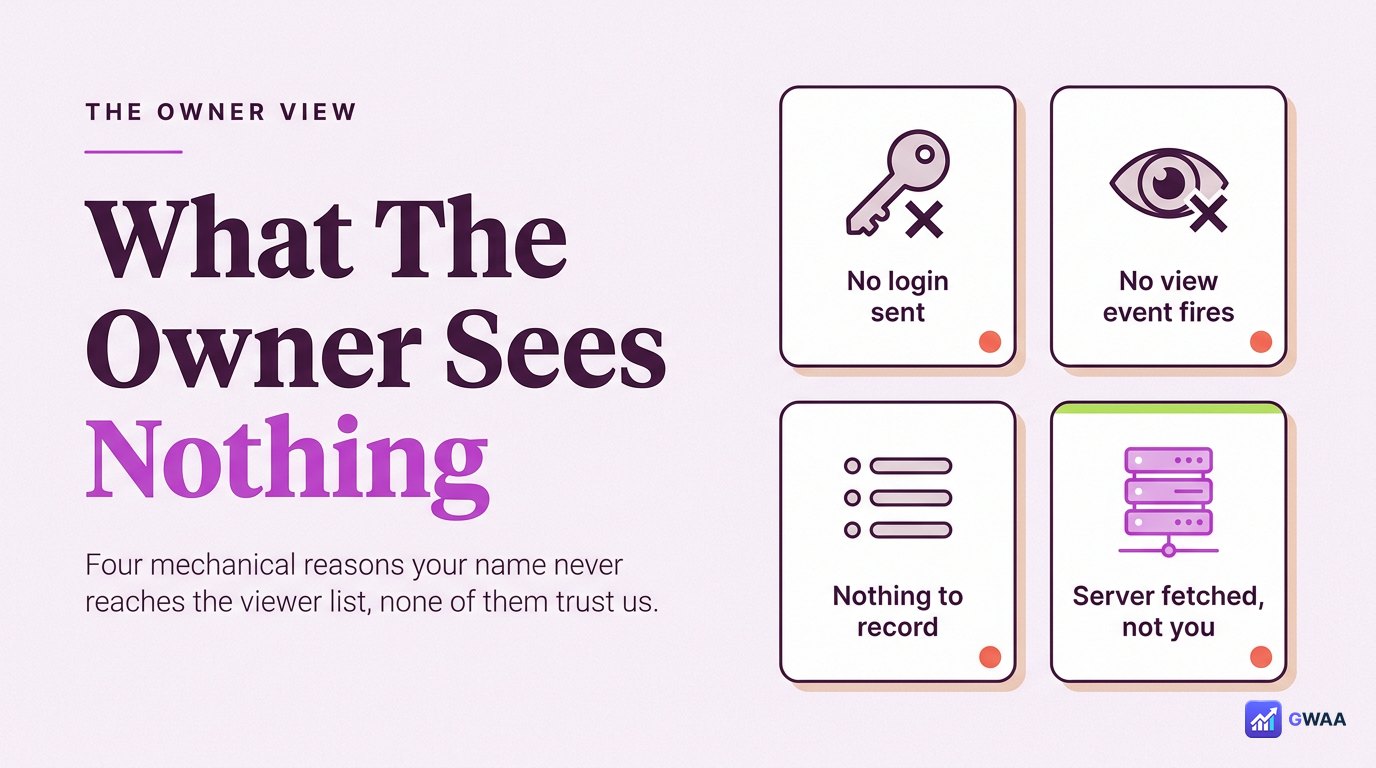
From the owner’s side, your visit through PeekViewer produces no signal whatsoever:
- No name in viewer list. The Viewers panel only shows names of accounts that fired authenticated view events. You didn’t.
- No notification. No “X viewed your story” alert; no follow-request prompt; no screenshot warning.
- No follow-graph signal. No algorithm suddenly recommends you to them because you didn’t announce interest.
- No engagement metric. Their story’s view count is unaffected.
The owner’s experience is identical whether you used PeekViewer or didn’t look at all — from their side, the two are indistinguishable. That’s what “anonymous” should mean.
Why stories can outlive the 24-hour window
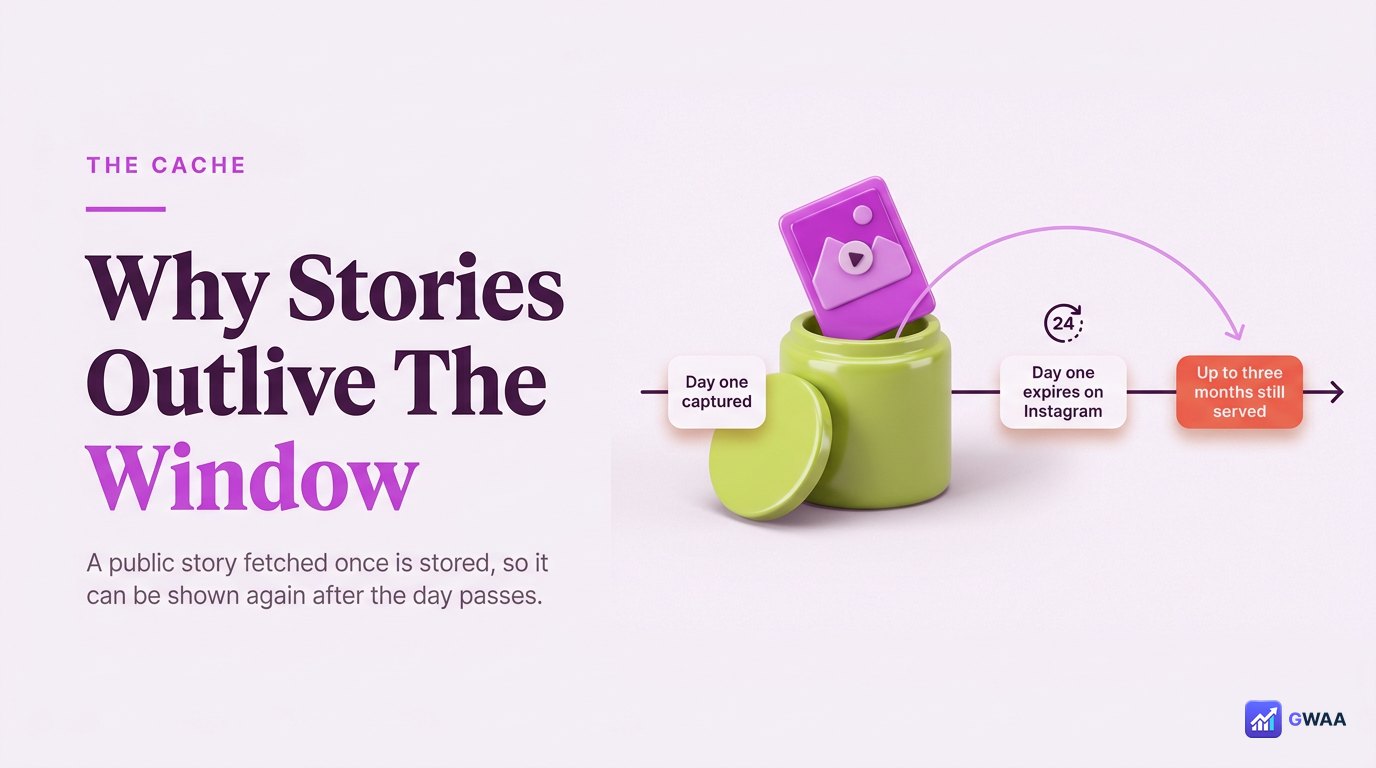
One feature people ask about: how PeekViewer sometimes shows stories that have already expired on Instagram itself. The answer is caching:
- When PeekViewer fetches a public story for the first time, it caches a copy on its own servers.
- If the story expires on Instagram (24h passes), Instagram stops serving it — but PeekViewer’s cached copy is still on PeekViewer’s servers.
- For about three months, recently-expired public stories remain accessible through PeekViewer’s cache window.
- Past that window, the cached copies rotate out and the story becomes unrecoverable.
This isn’t a way around private content (private stories are never cached because PeekViewer can’t fetch them in the first place). It’s a side-effect of caching that benefits users who missed a public story by a few days. Honest tools all do something similar; the time window varies.
Same pipeline, four content types
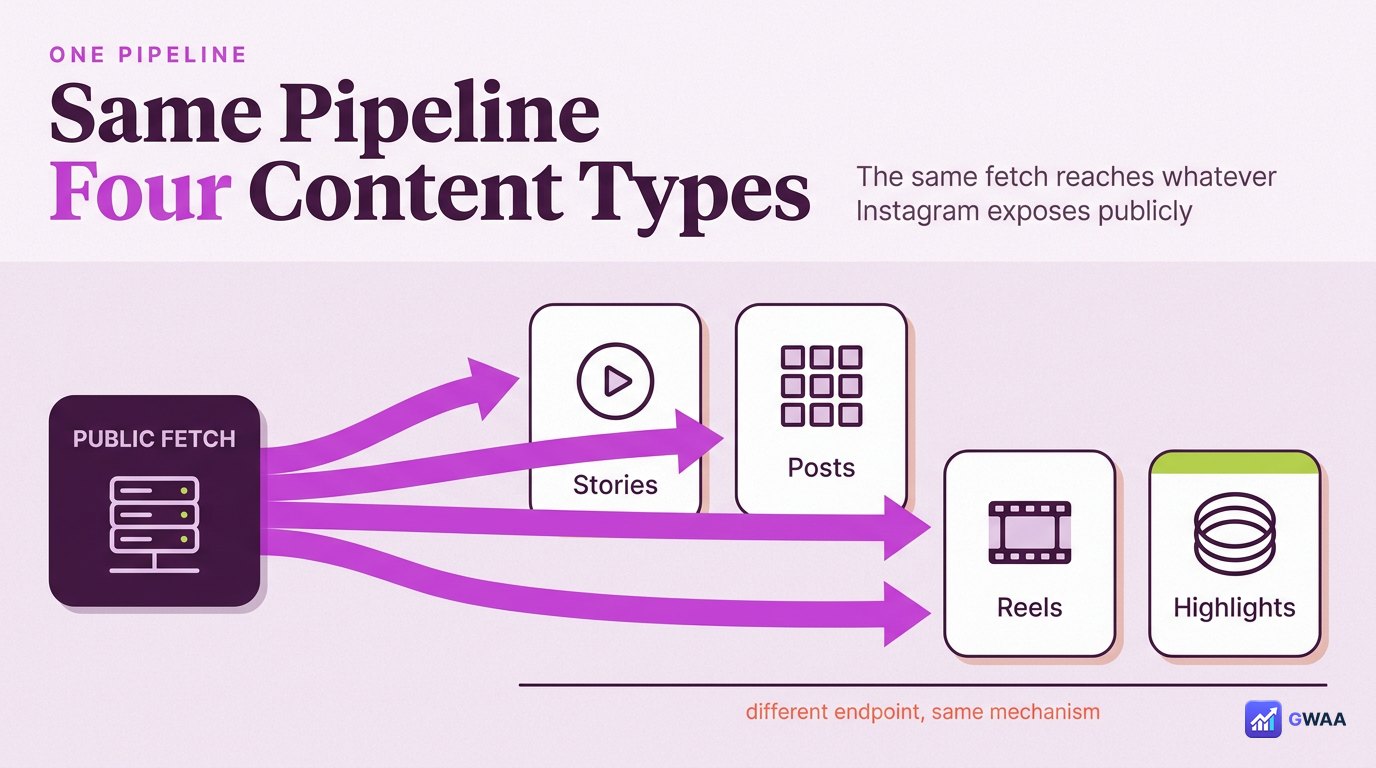
The single fetch pipeline serves all four content types Instagram exposes publicly:
- Stories — the live 24h stories ring on every public profile.
- Posts — the full grid feed of public posts.
- Reels — the vertical short videos.
- Highlights — the permanent saved albums the owner curated.
Same architecture, same anonymity properties, same lack of view event. The four content types differ only in which public endpoint PeekViewer’s servers hit; the rest of the pipeline is identical.
How original quality is preserved
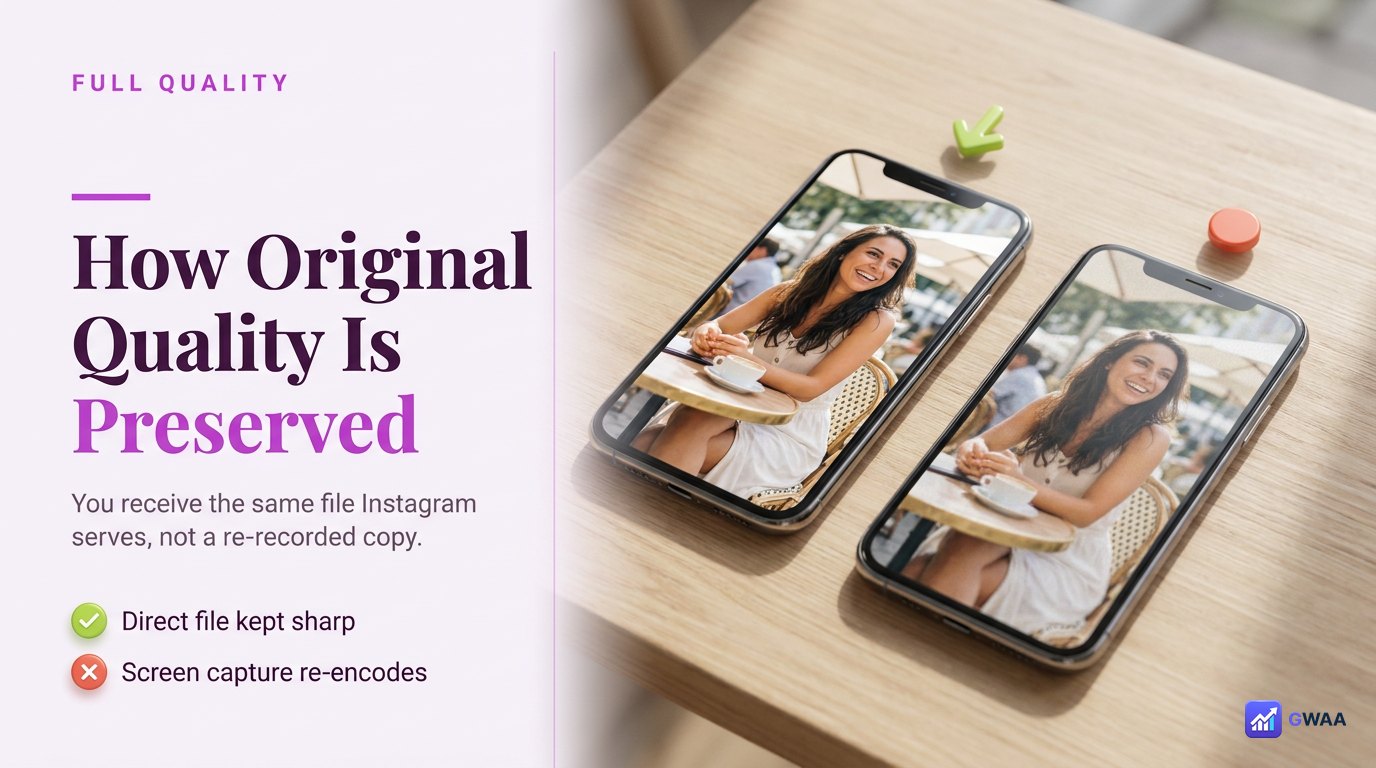
A common follow-up question: how does PeekViewer preserve original HD quality when downloads happen? The mechanics:
- Instagram serves stories and posts as MP4 (video) or JPG (photo) at the resolution the creator uploaded.
- PeekViewer’s server downloads that file verbatim — no re-encoding, no transcoding, no compression pass.
- The file is then served to your browser as-is, preserving original colour space, bitrate and aspect ratio.
- Your download is the same bytes Instagram would have served the Instagram app, just delivered through PeekViewer’s pipe.
Compare to screen recording, where your phone re-encodes everything through its own codec pipeline (with compression, with the device’s status bar baked in). PeekViewer’s server-side fetch hands you the original file; screen recording hands you a degraded copy.
Security properties baked into the design
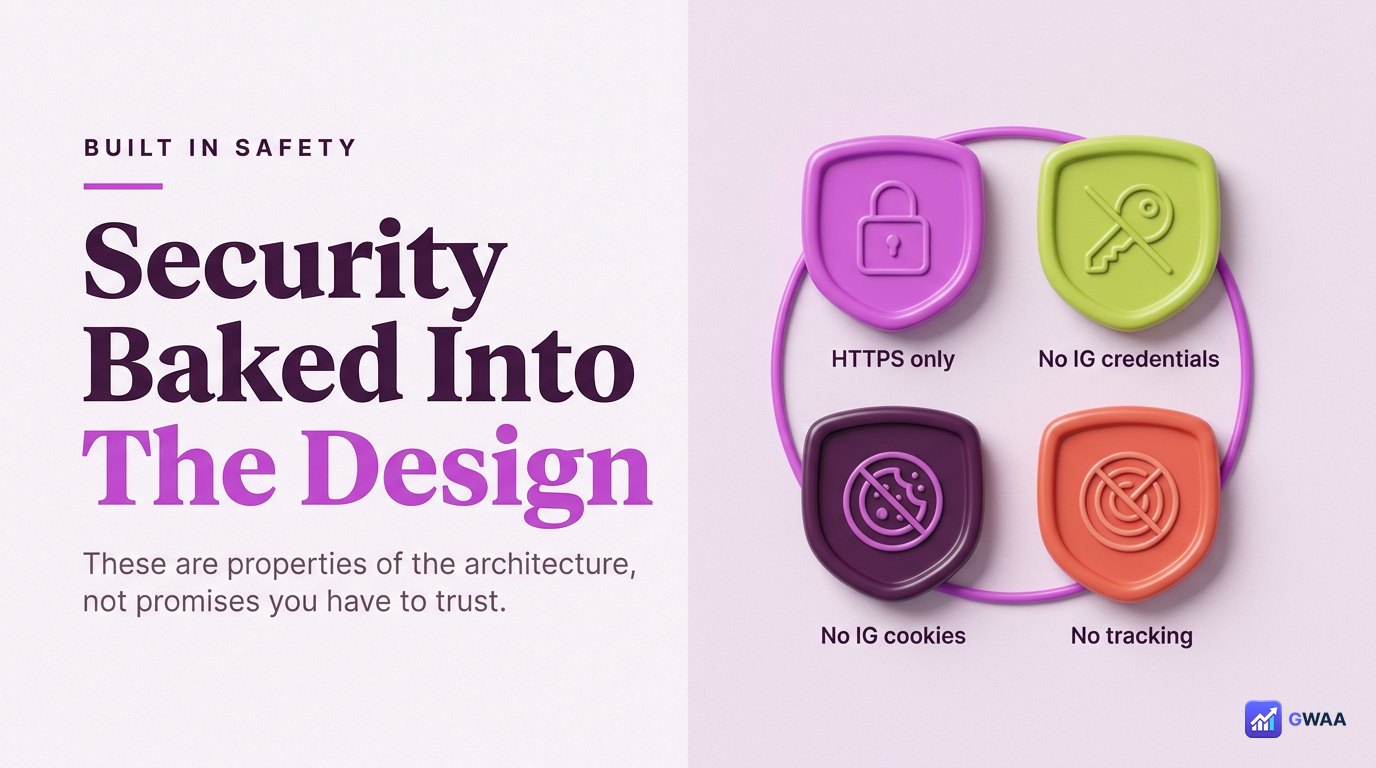
Beyond anonymity, four security properties fall out of the server-side architecture for free:
- HTTPS-only. All traffic between your browser and PeekViewer is encrypted with TLS 1.3 — verifiable via the padlock in your browser’s address bar.
- No Instagram credentials stored. PeekViewer never has your Instagram password because it never asked for it. Nothing to leak even in a worst-case server compromise.
- No Instagram cookies on your machine. Your browser’s Instagram cookies don’t travel with the request because the request originates from PeekViewer’s servers, not your browser.
- No cross-tab tracking. PeekViewer doesn’t place tracking pixels on Instagram’s domain because it can’t — cookies are origin-scoped.
None of these are features bolted on; they’re consequences of the no-login architecture. A different design (logged-in viewer, app-based, extension-based) would have to actively defend against these issues; PeekViewer doesn’t face them.
Why it’s public-only — the honest limit
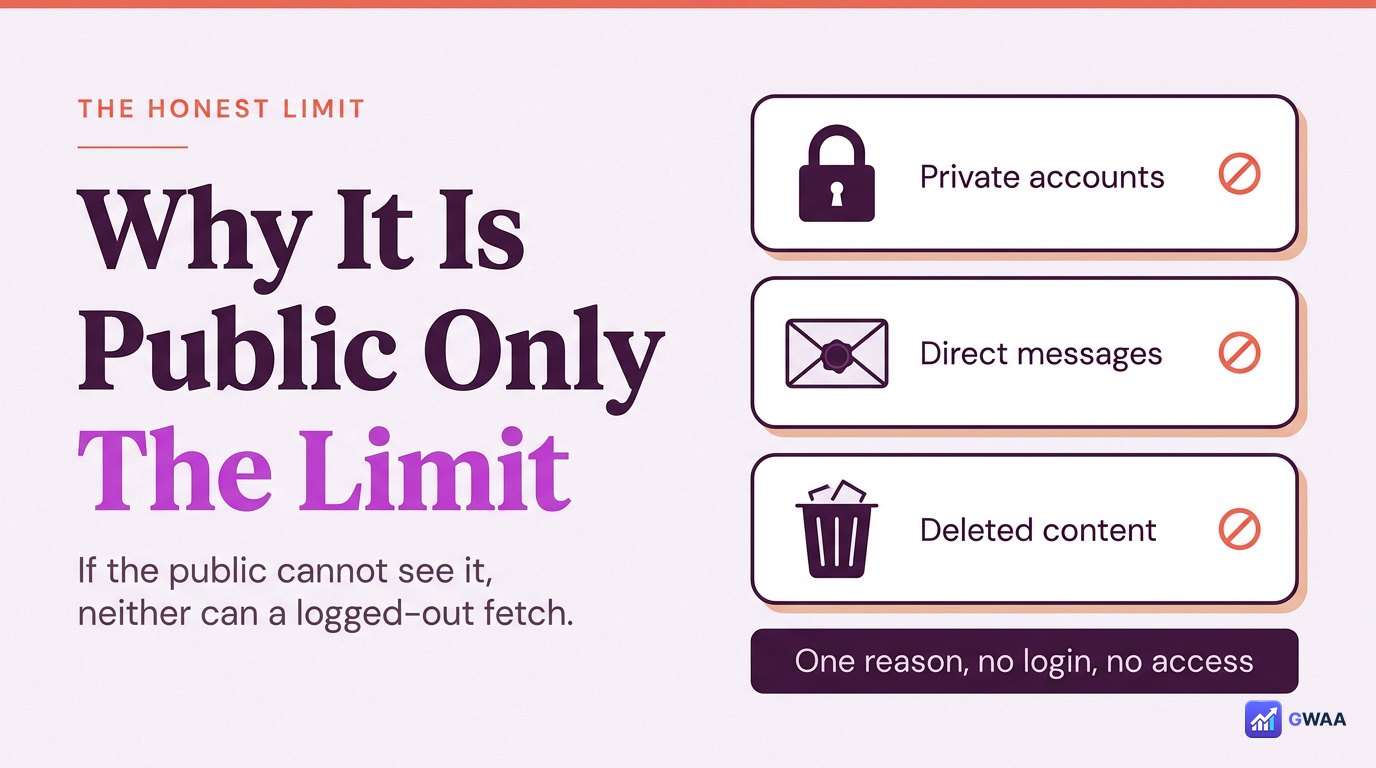
The same architecture that makes PeekViewer safe also makes it limited. Three things it cannot do, all for the same reason:
- Cannot view private accounts. Instagram’s public endpoints don’t serve private content to anonymous requests. No tool gets around this; the lock is on Instagram’s server, not in the request format.
- Cannot access DMs. Direct messages need an authenticated session as the account that received them. PeekViewer never authenticates, so it never has DM access.
- Cannot recover deleted content. Once Instagram removes content, its public endpoint serves nothing for it — PeekViewer’s cache only holds what it has previously fetched.
Any tool promising the above is misrepresenting the architecture. The honest tools in this category all respect the same line because they all hit the same Instagram server.
Is this the same as a VPN or incognito mode?
Useful question. The short answers:
- VPN: A VPN hides your IP address from Instagram. It does not hide your identity, because if you’re logged in, Instagram still knows it’s you regardless of IP. So a VPN doesn’t make Instagram viewing anonymous in the way that matters.
- Incognito mode: Incognito stops your browser from storing cookies and history locally. But if you log into Instagram in incognito, Instagram still receives your authenticated session for that tab. Incognito doesn’t make you anonymous to Instagram; it only makes you anonymous to your own browser history.
- PeekViewer: Different concept entirely — the request never authenticates at all, so Instagram has no identity to record. This is the only one of the three that actually delivers anonymity in Instagram’s viewer list.
Why anyone bothers to build it this way
A reasonable question: why does PeekViewer go through the architectural trouble of a server-side public fetch rather than just… logging in like Instagram’s app? Three reasons.
- Anonymity is the product. If PeekViewer logged in on your behalf, your views would still appear on the owner’s panel under some account — either yours, a shared one, or a burner. The structural fix is to never log in at all.
- Account safety. Asking users for their Instagram password creates a single point of failure with catastrophic blast radius if compromised. Not asking eliminates the failure mode entirely.
- Scalability. A logged-out fetch can be cached and served to many users without re-fetching, which is how a paid tool stays affordable. Logged-in fetches would have to be re-done per user because the Instagram session is per-account.
So the architecture isn’t a clever workaround — it’s the only sane way to build an anonymous viewer that’s also safe, scalable and honestly anonymous. Tools that take shortcuts (asking for passwords, using extensions, requesting authenticated sessions) end up with worse versions of all three properties.
The takeaway
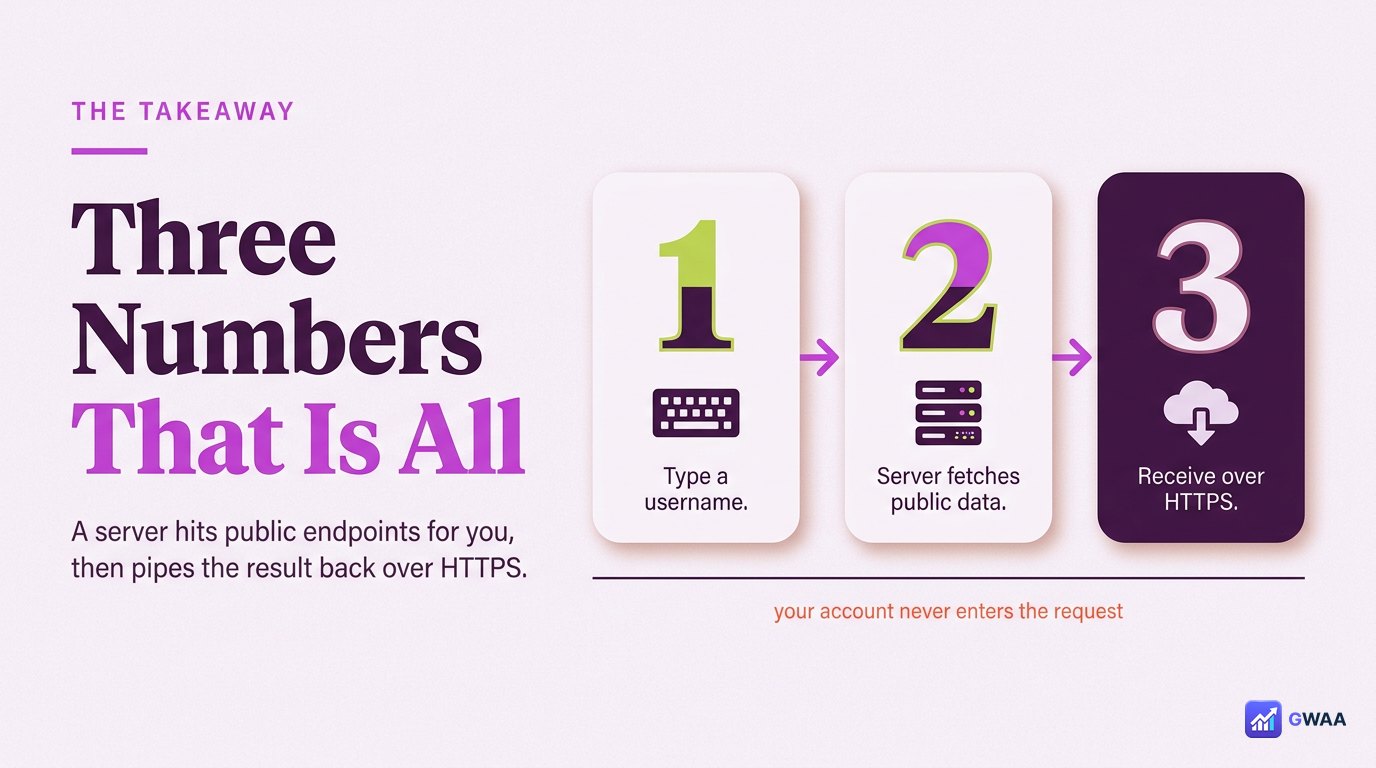
PeekViewer isn’t magic. It’s a server that hits Instagram’s public endpoints on your behalf, then pipes the response back to your browser over HTTPS. The anonymity is structural — your Instagram account never enters the request, so no event is ever logged against it.
That’s the whole architecture. The reason it works is the same reason any logged-out website visit works: the internet’s default for reading public content is anonymous. PeekViewer just rebuilds that default for Instagram, which is one of the few places where viewing public content has been weaponised as a social signal.
The whole architecture is open enough that you can verify it yourself: open your browser’s network inspector while using PeekViewer, and you’ll see only requests to PeekViewer’s domain and Instagram’s public CDN. No tracking pixels, no cookies on your Instagram session, no exfiltration of any data Instagram has on you. The honest architecture is observable, not just promised.
Explore more across GWAA: How profile viewers work · How highlights viewers work