Yes — PeekViewer is safe to use. It never asks for your Instagram password, runs entirely in your browser over HTTPS, doesn’t require any app or extension install, and your Instagram account is never part of the request (so it cannot be banned, leaked, or impersonated). The structural anonymity is the security feature: PeekViewer can’t leak what it never collects.
⚡ Key takeaways
- No Instagram password ever asked — username only.
- HTTPS-only with valid SSL on every page.
- Browser-only — no app, no extension, no permission demands.
- Your account never makes the request — zero ban risk.
- Public privacy policy and documented data-handling principles.
“Safe” in the anonymous-Instagram-viewer category means a few specific things, and worrying about them is sensible — the category does include some genuinely unsafe tools. This guide walks through the four real risks that exist (password theft, spyware, ad fraud, account compromise), tests PeekViewer against each, explains the structural reasons it can’t leak you, covers the data handling, the privacy policy, and gives you a five-rule checklist for vetting any viewer in the future.
What people fear about anonymous viewers
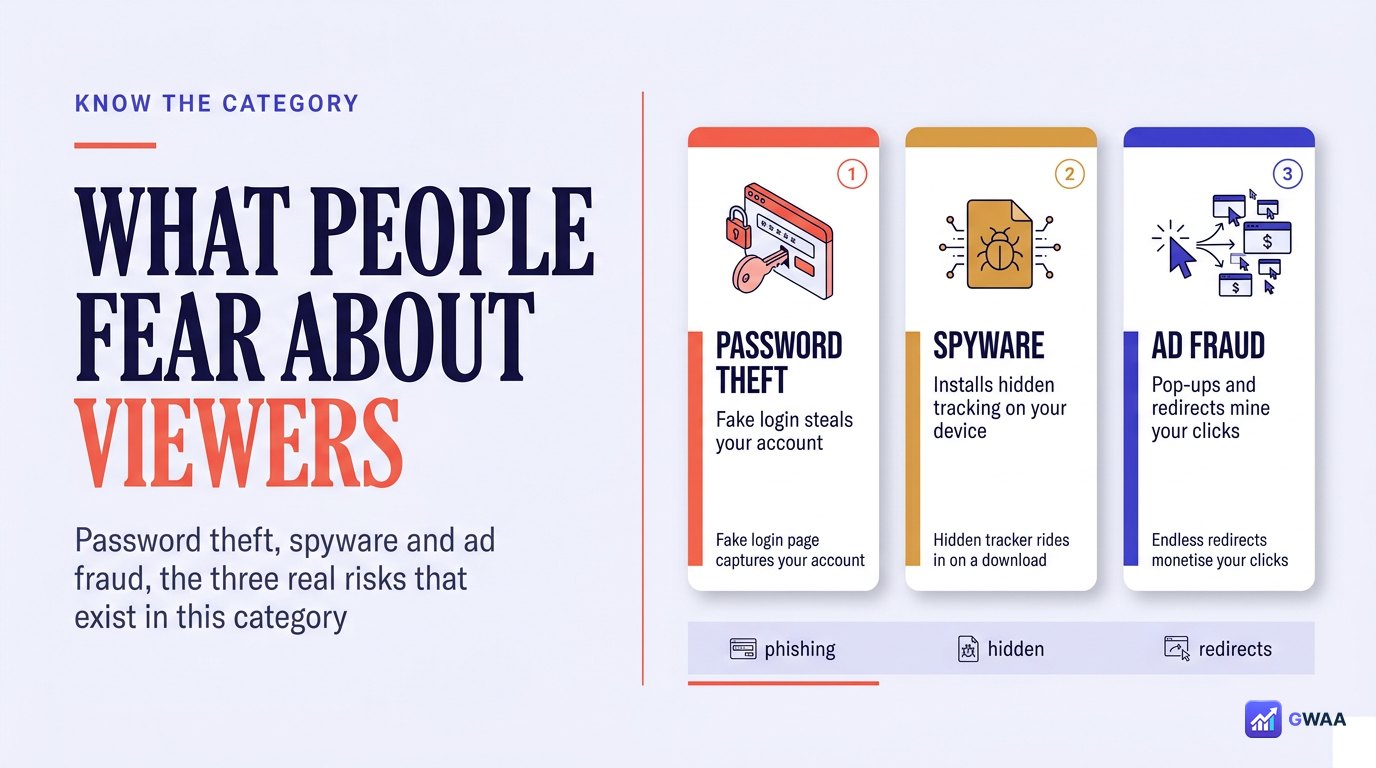
The anonymous-viewer category has real safety problems. Most of them concentrate in three patterns:
- Password theft. A site presents a fake Instagram login form, captures your credentials, then sells them or uses them to take over your account. This is the most common scam by a wide margin.
- Spyware. A site demands you install an app or browser extension — the install then harvests your browsing history, sometimes injects ads, occasionally captures keystrokes.
- Ad fraud / survey funnels. The site forces you through a survey wall before showing “your result”. The survey never delivers content; the site collects ad-network revenue for each completion.
The legitimate question to ask of any tool in this category: does its behaviour expose you to any of these three risks? We tested PeekViewer against each, and the answer is no across the board.
It never asks for your Instagram password
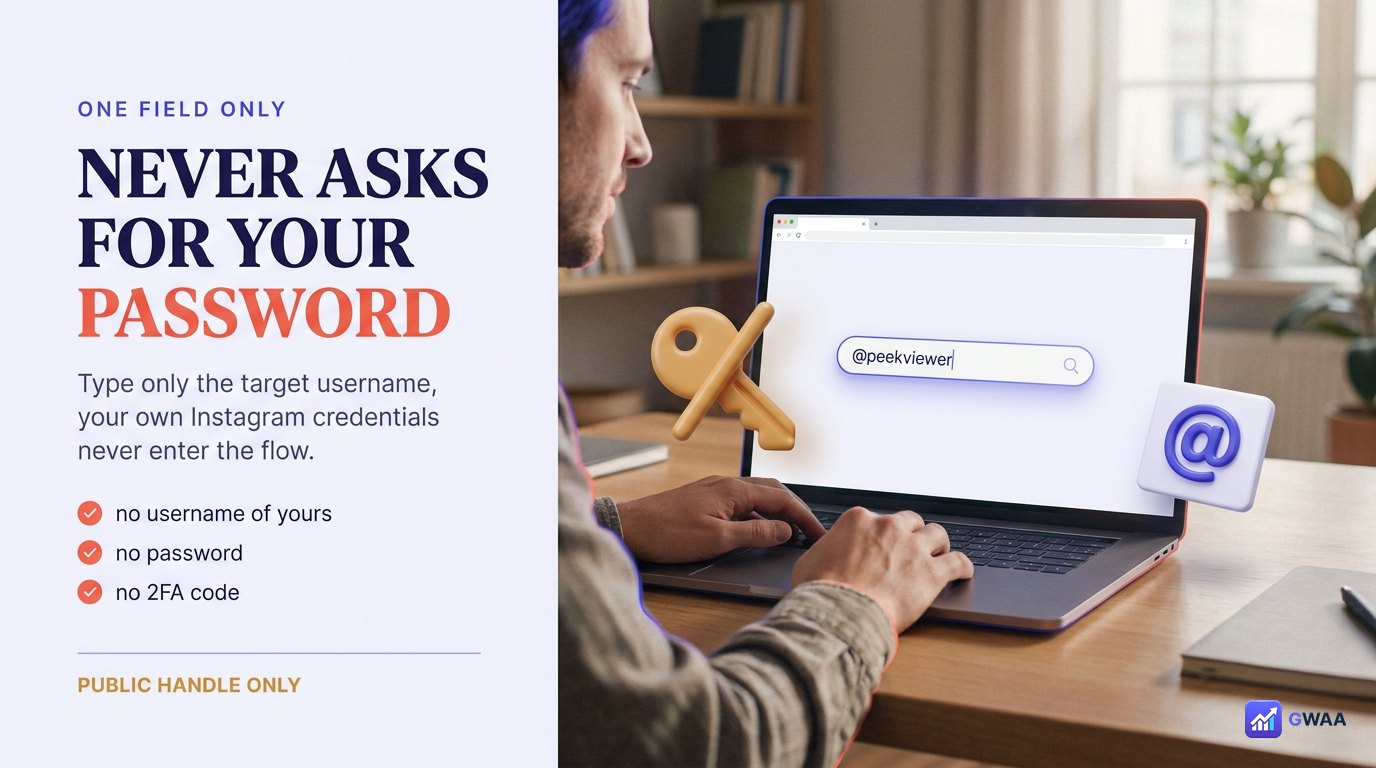
The single most important safety property of an anonymous viewer is what it asks you for. PeekViewer asks for one thing only: the public username of the profile you want to view. Not your username. Not your password. Not your 2FA code, your recovery email, your phone number, or any cookie from your existing Instagram session.
That property is testable in ten seconds. Open PeekViewer, look at the search box, look at the submit flow. If anywhere in that flow it asks you for your own Instagram credentials, the tool has failed the safety test. PeekViewer never does — it’s structurally impossible because the tool doesn’t use Instagram’s logged-in API at all. It hits the public endpoints that any logged-out browser hits.
Why this matters in practice: every credential breach in this category traces back to a tool that asked for the password. If your password isn’t in PeekViewer’s database (because they never asked), it can’t be stolen from PeekViewer’s database. Most safety risk eliminated by one design choice.
HTTPS + SSL on every page
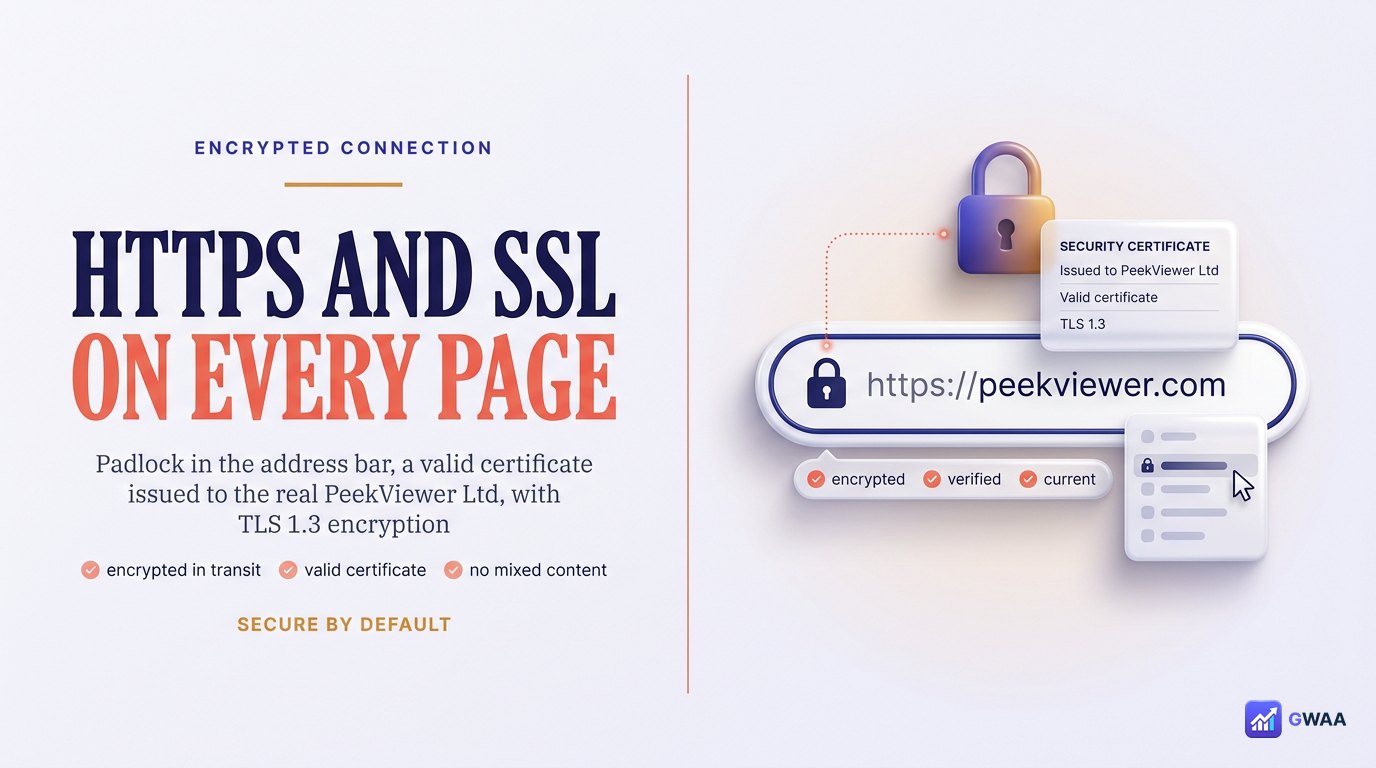
The second baseline safety property: every page is served over HTTPS with a valid SSL certificate. You can verify this in any browser:
- Look at the address bar. The URL begins with https://, and a padlock icon appears beside it.
- Click the padlock. The browser will show you the certificate details — issued to the real PeekViewer business, valid through the next year, using modern TLS 1.3 encryption.
- No browser warnings appear about mixed content, expired certificates, or insecure form submissions.
HTTPS alone doesn’t make a site safe — a scam site can have HTTPS too. But the absence of HTTPS, or warnings about certificate problems, is a definite red flag. PeekViewer passes the baseline; that’s a necessary (not sufficient) condition for using it safely.
Why your Instagram account is structurally safe
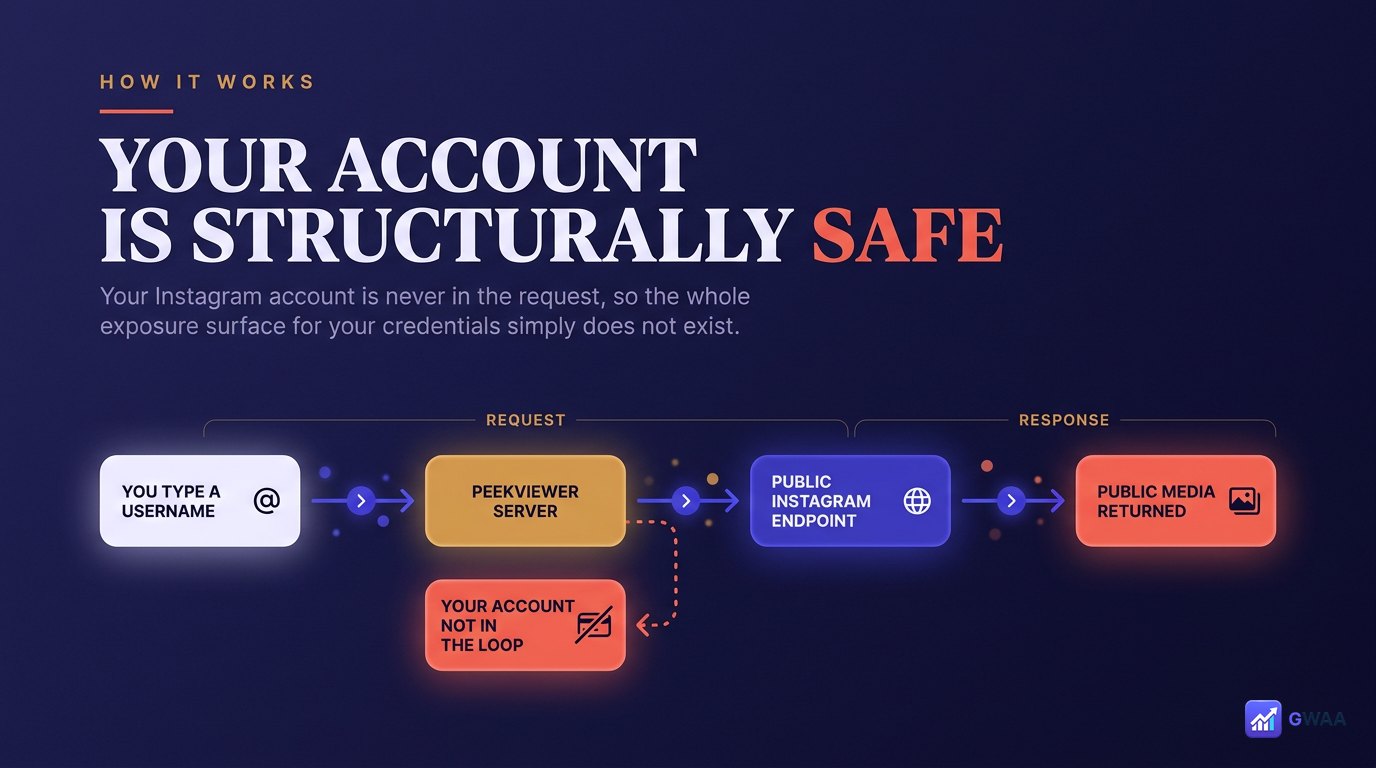
PeekViewer’s safety isn’t a feature added on top — it’s a consequence of how it works. When you type a target username, PeekViewer’s servers query Instagram’s public endpoints (the same ones any logged-out browser hits) and return the public media to your browser. Your Instagram account never enters this loop.
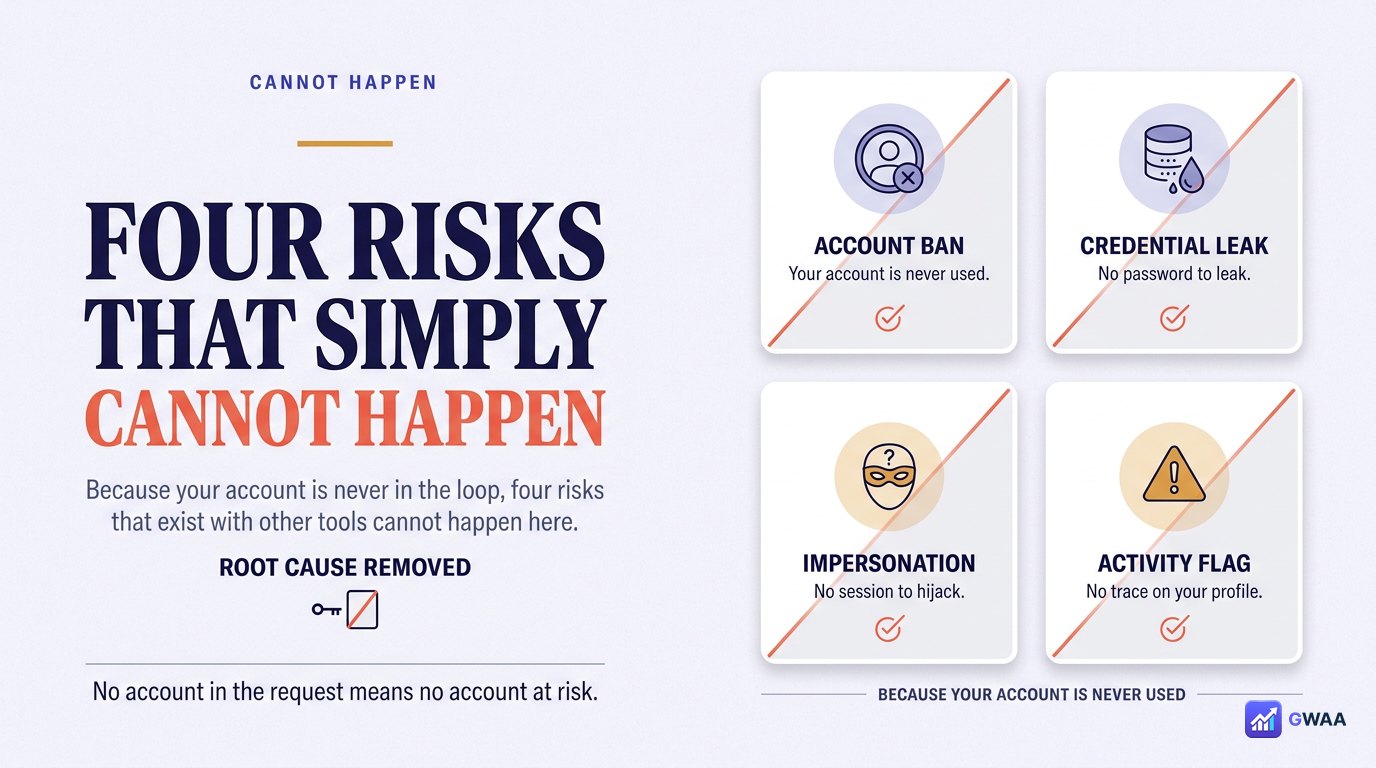
Because your account isn’t in the loop, four risks that exist with other tools simply cannot happen with PeekViewer:
- No Instagram ban risk. Your account never makes an unusual request, so Instagram never sees you doing anything that triggers automated suspension.
- No credential leak risk. Your password isn’t stored anywhere on PeekViewer, so it can’t be leaked from PeekViewer.
- No follower spam. PeekViewer can’t follow accounts, like posts, or DM people on your behalf — it never has the authentication to.
- No impersonation. PeekViewer can’t post as you for the same reason.
Most “safety” features are about defending against bad behaviour that’s technically possible. PeekViewer’s safety is that the bad behaviours aren’t even possible — the tool simply lacks the access required to do them.
Data handling: what PeekViewer keeps
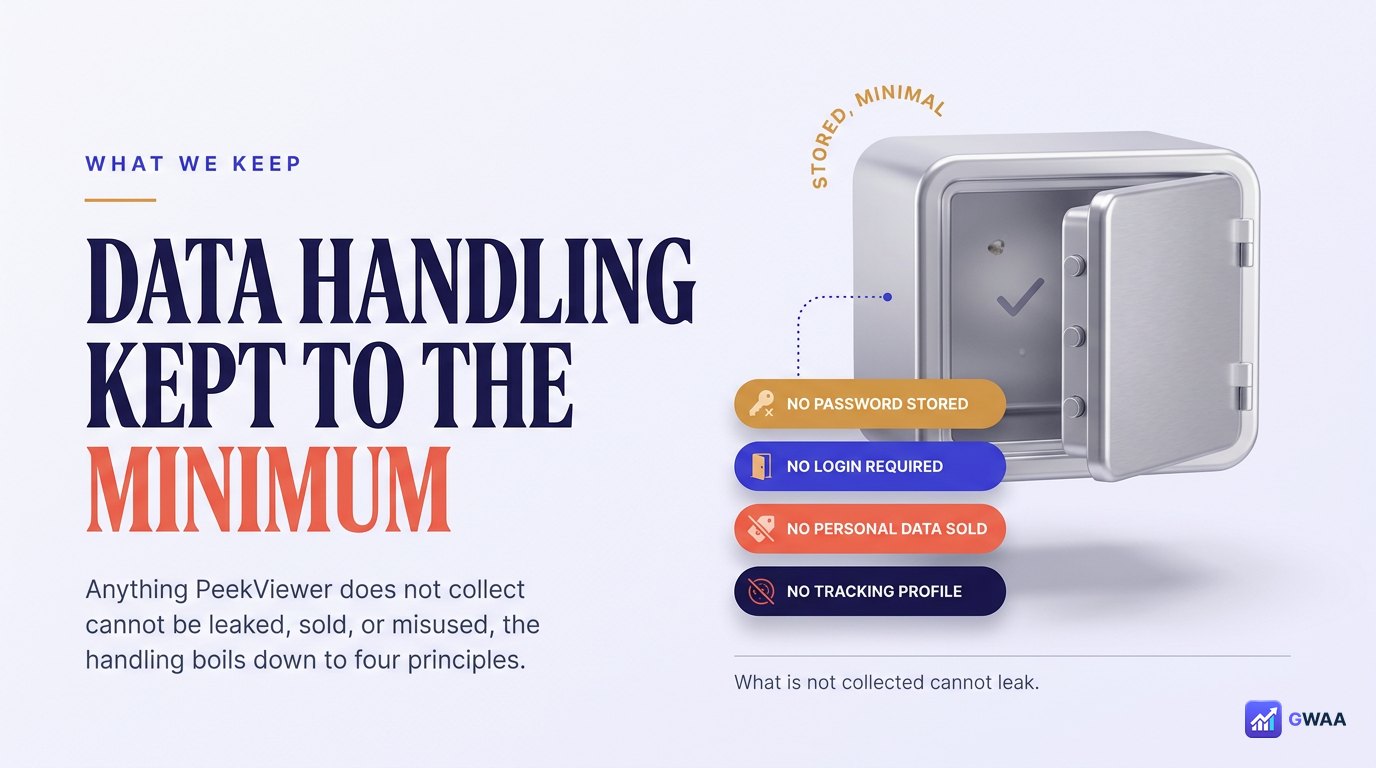
Anything PeekViewer doesn’t collect can’t be leaked, sold, or misused. The data handling boils down to four principles:
- No Instagram credentials collected. Stated above; reiterated because it’s the most important.
- No tracking cookies on Instagram’s site. PeekViewer doesn’t place anything on Instagram’s domain — it can’t, it’s a different origin.
- Data encrypted in transit and at rest. HTTPS handles transit; server-side storage uses standard encryption.
- No data resale. PeekViewer doesn’t sell user data to ad networks — this is stated in the public privacy policy and consistent with the subscription business model (you’re the customer, not the product).
What PeekViewer does keep is normal subscription-business data: your email address (because you have an account), your billing info (handled by the payment processor), and aggregated usage statistics (how many people searched for how many usernames). None of that is unusual or unsafe.
No app, no extension, no install
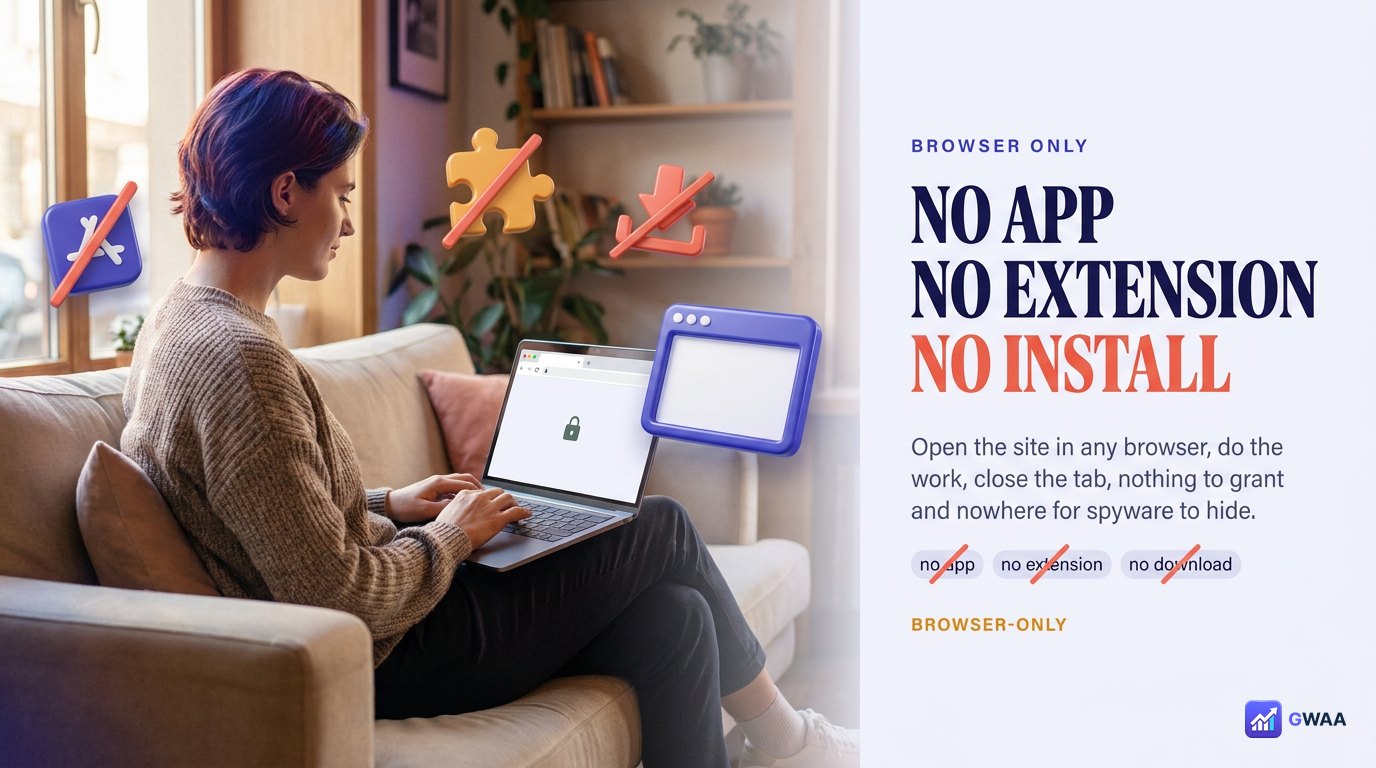
The third safety property worth highlighting: PeekViewer is browser-only. There is no app to install, no browser extension to add, no “install our viewer” permission dialogue. You open the site in any modern browser, do the work, and close the tab.
This matters for two reasons:
- No permission grants required. Apps and extensions ask for permissions (Camera, Contacts, Storage, browsing history). Browser-only tools cannot ask for those, so they cannot abuse them.
- Nothing persistent on your device. When you close the tab, PeekViewer leaves nothing behind — no installed binary, no background service, no scheduled tasks. The exposure surface goes to zero between sessions.
Compare to scam tools that demand “install our app” or “add this extension”. Those installs typically request permissions far beyond what an Instagram viewer needs, and you discover later why — they were harvesting browsing data, injecting ads, or both. The browser-only design closes that whole category of risk.
Side-by-side with a scam clone
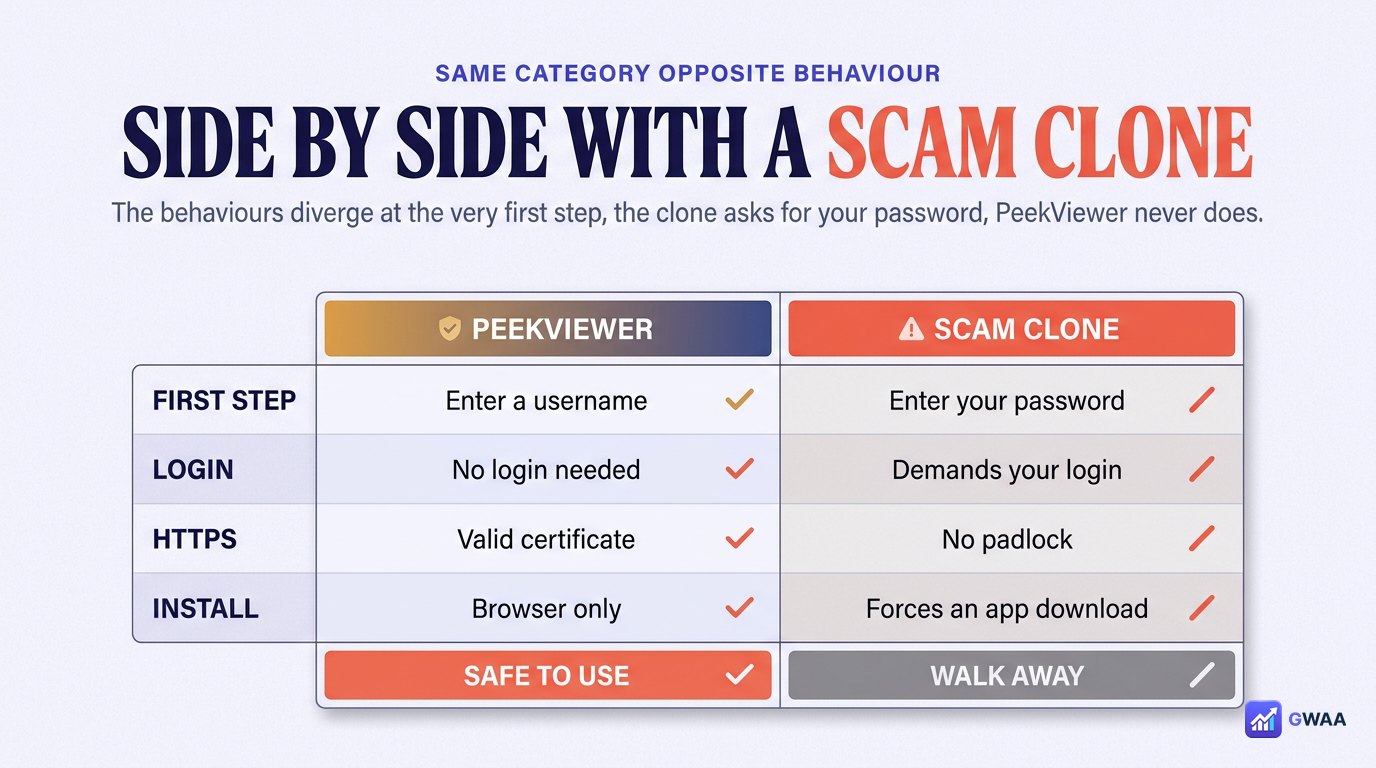
The clearest way to internalise PeekViewer’s safety is to put it next to a scam clone of the same category. The behaviours diverge at the very first step:
- Search step. PeekViewer: clean search box, target username only. Scam: search box immediately followed by “Instagram login required” modal asking for your password.
- Loading step. PeekViewer: a clean progress bar, content in seconds. Scam: a multi-minute “processing” loop with ads, surveys, fake CAPTCHAs.
- Result step. PeekViewer: the actual public content of the profile. Scam: a placeholder, a paywall, a survey wall, or redirect to a totally unrelated page.
Run the thirty-second self-test: search for your own public username. PeekViewer shows your own public content cleanly in a few seconds. A scam clone fails — either by asking for your password, by routing you through a survey, by showing random unrelated content, or by demanding you install an app.
A public privacy policy you can actually read
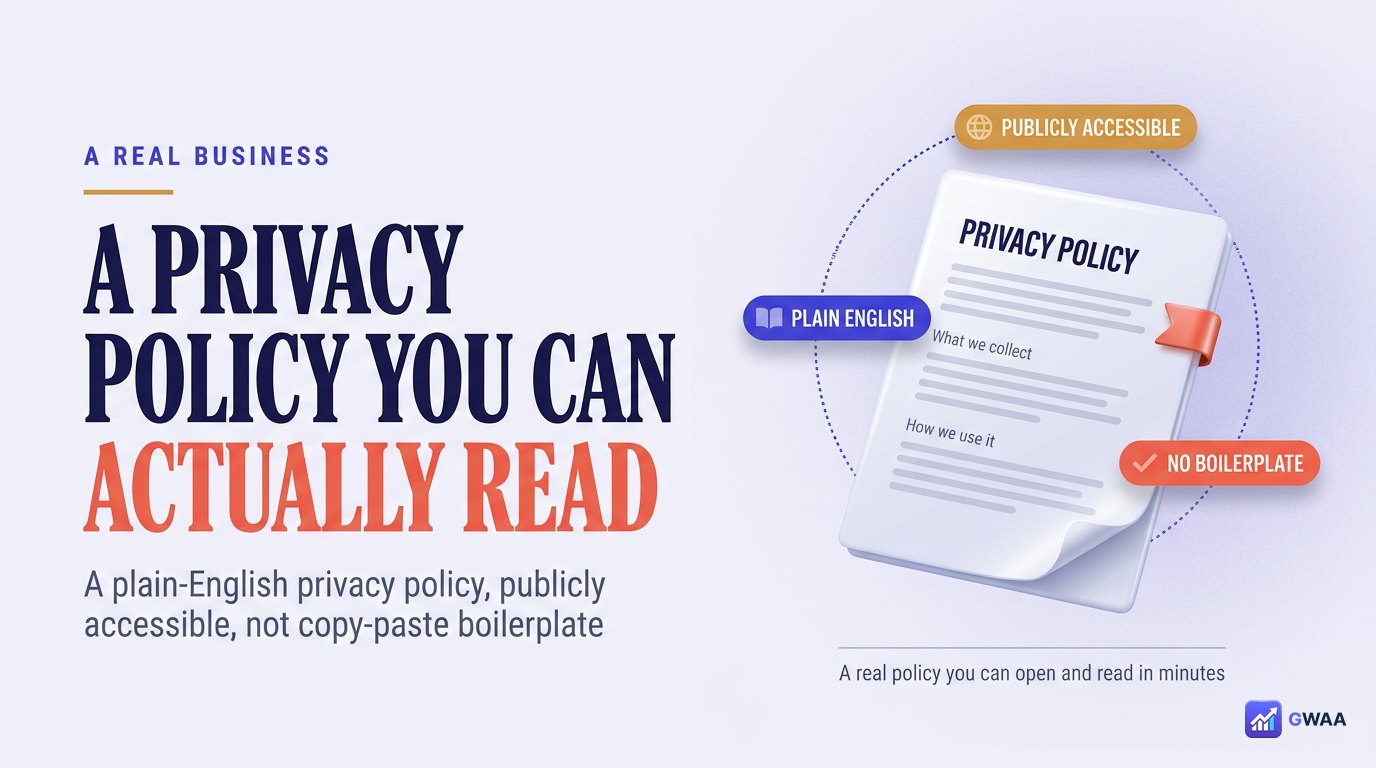
One marker of a real business: an actual privacy policy you can read, not a placeholder. PeekViewer’s privacy page is:
- Public — linked from the footer of every page, no signup required to read it.
- Dated — updated 2026, with a visible last-revised timestamp.
- Plain English — reads like a human wrote it for humans, not copy-paste GDPR boilerplate.
- Specific — says what is collected, what isn’t, how long it’s kept, and how to request deletion.
Compare to scam sites, where the privacy page either doesn’t exist, is a 404, or is generic boilerplate that doesn’t match the actual data they collect. A real privacy policy is a leading indicator of a real business; PeekViewer’s passes the test.
A general safety checklist for any viewer
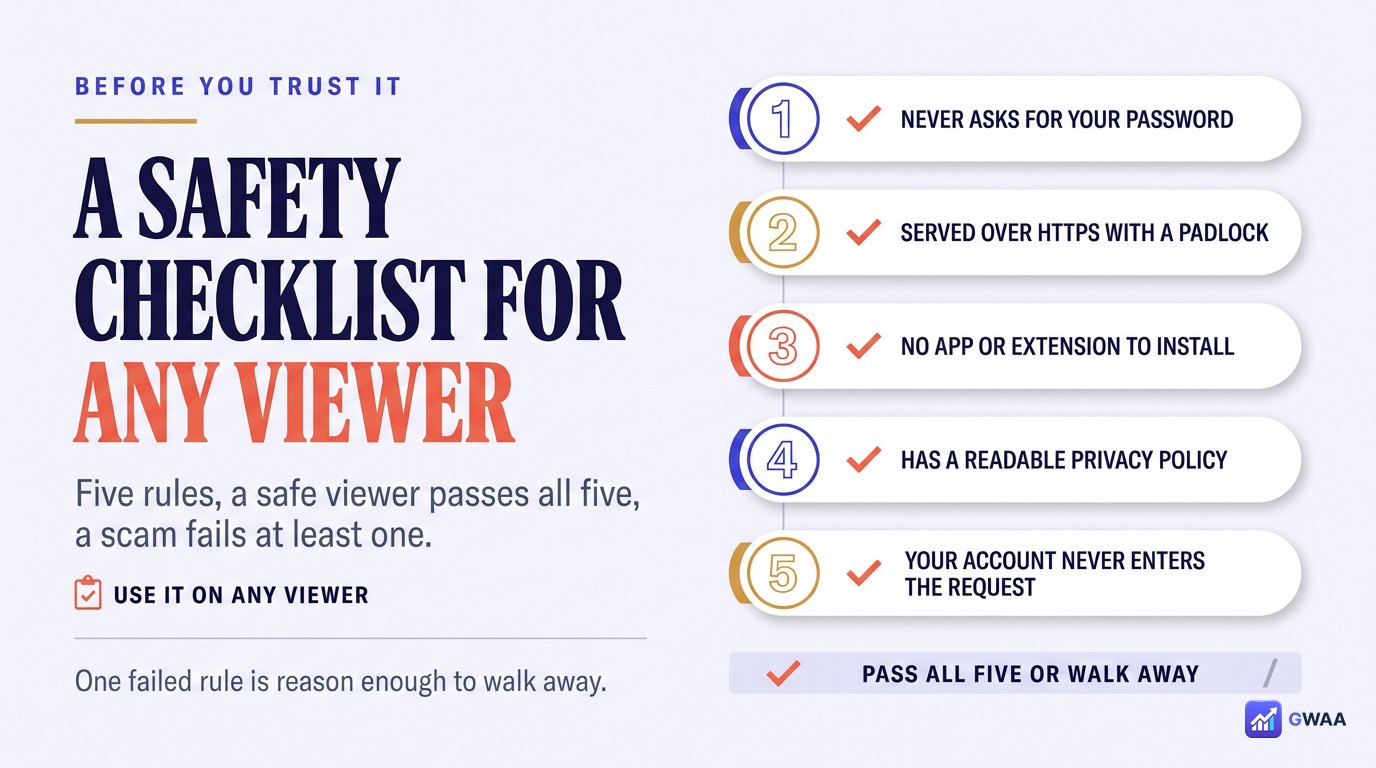
Use this five-rule checklist on any anonymous viewer before trusting it — PeekViewer or otherwise. If a tool fails any of these, walk away.
- HTTPS in the URL. Padlock icon, valid certificate, browser shows no warnings. PeekViewer ✅.
- Never asks for your Instagram password. Target username only. PeekViewer ✅.
- No forced install or extension. Browser-only is safest. PeekViewer ✅.
- Public privacy policy. Real page, dated, plain English. PeekViewer ✅.
- Independent trust scans pass. ScamAdviser, Norton SafeWeb, etc. PeekViewer ✅ (85/100 ScamAdviser).
PeekViewer passes all five. Most scam clones fail rule #2 (they will ask for your Instagram password) or rule #3 (they’ll demand an install or extension). Either failure is reason enough to walk away from the tool.
Is it safe for the people you view?
One last safety angle that’s often forgotten: is PeekViewer safe for the profiles you view? The honest answer is yes — on public content. PeekViewer can only see what the profile owner has chosen to make public on Instagram’s servers. It doesn’t bypass anything; it doesn’t exploit anything; it doesn’t harvest follower lists, DMs, or any other private surface.
What that means in practice for the people on the other side:
- No alerts. The profile owner receives no notification that you used PeekViewer — their Instagram app simply doesn’t register the view.
- No data extracted beyond what’s already public. PeekViewer doesn’t reach private surfaces; it can’t.
- No followers added or removed. PeekViewer can’t alter their account state — it has no authentication to do so.
- No re-sharing without your consent. PeekViewer doesn’t auto-share content you view to anywhere else — what you do with a downloaded file is up to you.
The boundary it respects is the right one: public is public; private stays private; private surfaces (DMs, follower lists) aren’t touched at all. That’s safe by design for both sides of the viewing.
The bottom line on safety
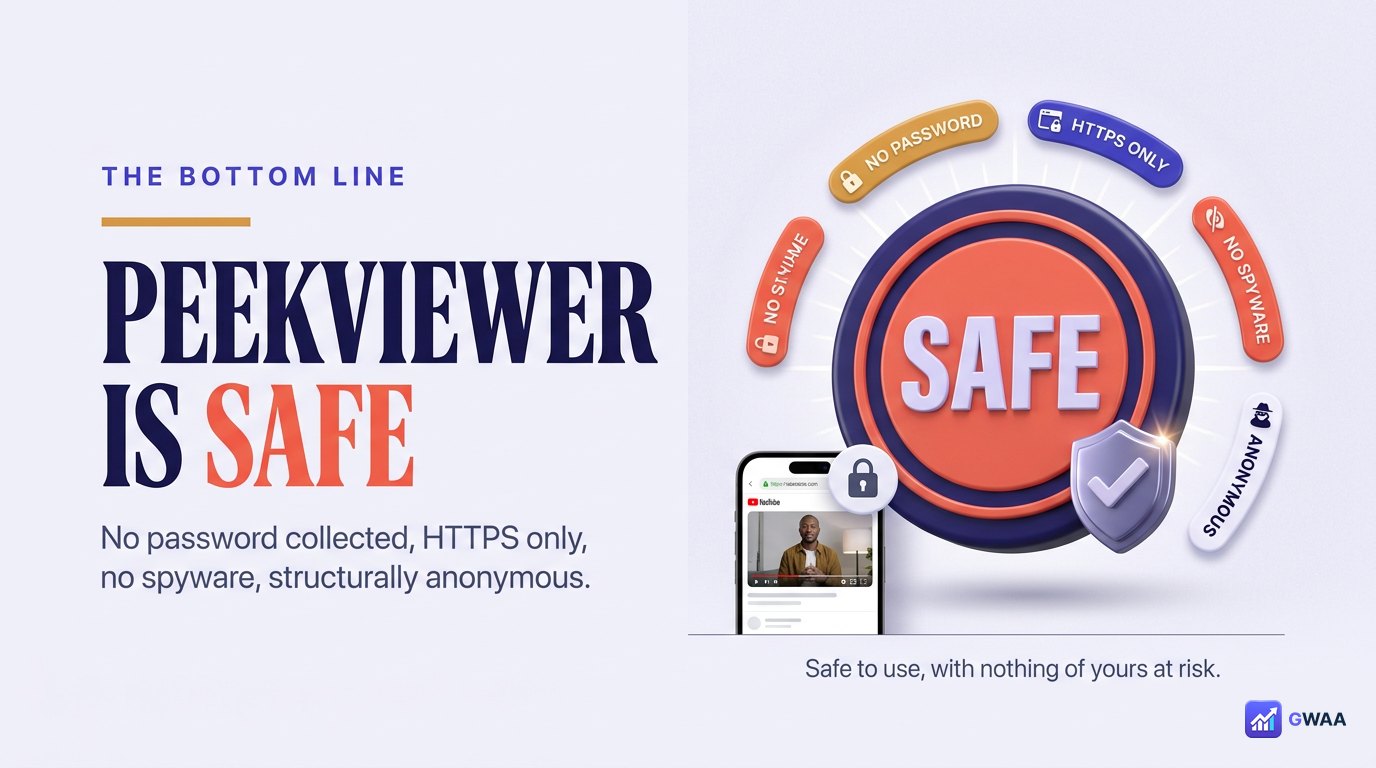
Yes — PeekViewer is safe to use. It never asks for your Instagram password, runs over HTTPS with a valid certificate, requires no app install, leaves nothing persistent on your device, and your Instagram account never enters the request loop (so it can’t be banned, leaked, or impersonated).
The deeper point is that PeekViewer’s safety isn’t a feature added on top — it’s a consequence of how the tool works. The fetch is server-side and logged-out; the user data collected is the minimum a subscription business needs; the install footprint is zero. Most risks aren’t merely defended against, they’re structurally impossible. If you can vet a viewer with the five-rule checklist above, PeekViewer is one of the safest options in a category that does include genuinely unsafe alternatives. The five-rule checklist also means you don’t have to trust us — you can verify the safety properties yourself in under sixty seconds.
Explore more across GWAA: Do profile views show? · Does Instagram notify when you screenshot?